ChannelsPricingStreaming guideBusinessSign in Start free trial
BBC iPlayer VPN guide · Updated 3 June 2026

Best VPN for BBC iPlayer without fighting the app.

Vela routes BBC iPlayer through the UK, keeps DNS aligned, and gives you browser, Android TV and Smart DNS paths when the native app is picky. Bring your own BBC account; Vela handles the transport.
Try free first Then €0.99 for your first month · €2.99/mo after · cancel anytime
UK routingBrowser/WebView pathSmart DNS for TVWireGuard app
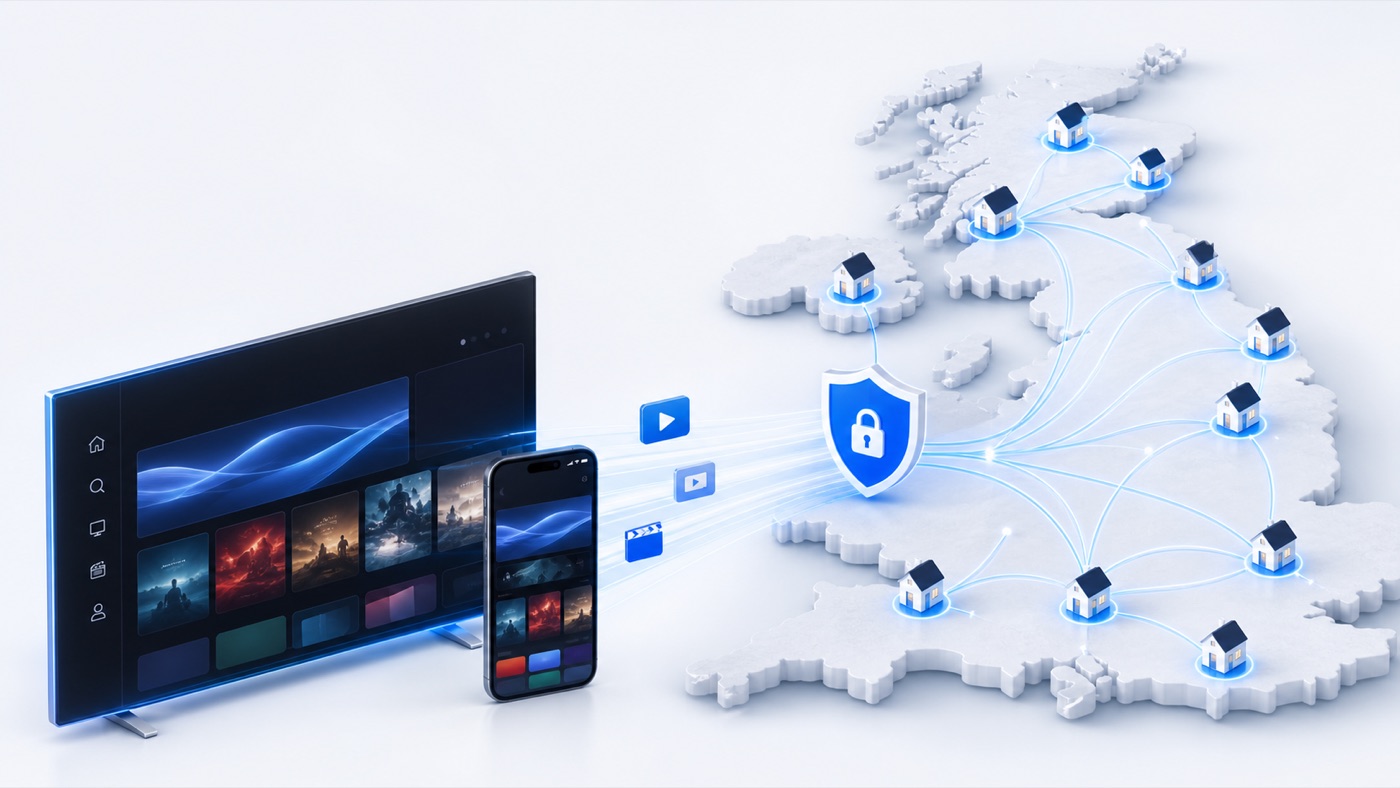
Vela UK routing network for BBC iPlayer streaming
What matters for BBC iPlayer

A streaming VPN is not just a server list.

BBC iPlayer checks more than “is there a UK IP?” The practical setup needs routing, DNS, device behavior and a fallback path when the app refuses playback.

UKservice-specific routing
DNSkept on the same route
TVSmart DNS for devices
Webbrowser/WebView fallback
Vela approach

Pick BBC iPlayer. Vela routes the service.

Generic VPNs ask you to connect everything to a UK server and hope. Vela is built around streaming services: route BBC iPlayer through the UK, keep other services normal, and switch mode depending on the device.

1

Service-level routing

BBC iPlayer can route UK while Netflix, Disney+ or normal browsing keep their own configured behavior.

2

Browser when mobile apps get strict

When the native app relies on device location checks, Vela can use browser/WebView playback instead of fighting GPS behavior.

3

Smart DNS for the living room

Use Smart DNS on Apple TV, Roku/Fire TV, consoles and smart TVs where a full VPN app is not practical.

How to use Vela for BBC iPlayer

Three practical setup paths.

Phone or tablet

Install Vela, select BBC iPlayer from your services, choose United Kingdom, then open playback through the Vela browser/WebView path if the native app complains.

Android TV

Install the Android TV APK, sign in, pick BBC iPlayer, then launch the service from inside Vela so routing and playback state are managed together.

Smart DNS

Authorize your home IP in the account dashboard, enable BBC iPlayer with country UK, and set the Vela DNS server on your TV, console or router.
Native app vs browser

Use the path BBC iPlayer is least likely to reject.

Native app

BBC iPlayer app

Best for
TV boxes and stable home setups.
Watch out
Mobile apps may check device location beyond the network route.
Fallback

Vela WebView

Best for
Phones, tablets and recovery when the native app says location is wrong.
Tradeoff
Web interface, but the route is easier to keep consistent.
No app

Smart DNS

Best for
Apple TV, Roku, Fire TV, PlayStation, Xbox and smart TVs.
Setup
Configure DNS once on the device, router or console.
Compatible routes

BBC iPlayer on the devices people actually use.

iOS & Android

Use the app for VPN access and WebView fallback when location checks are strict.
Android TV

Install Vela TV and launch BBC iPlayer through the Vela flow.
Streaming sticks

Use Smart DNS for Roku, Fire TV and similar devices that cannot run Vela directly.

Consoles

Use Smart DNS on PlayStation, Xbox and similar devices that do not run VPN clients.

Troubleshooting

If BBC iPlayer says you are not in the UK.

Most failures are not random. They usually come from mismatched DNS, app location checks, stale cookies, or a device that is not using the route you think it is using.

Use browser/WebView on mobile

If the native app checks GPS or device location, switch to browser playback through Vela.

Clear BBC iPlayer cookies

Old region cookies can persist after a route change. Clear site data, then reopen playback.

Keep DNS aligned

Do not mix Vela routing with public DNS like 8.8.8.8 as secondary DNS on Smart DNS devices.

Confirm the service is selected

In Smart DNS, BBC iPlayer must be ticked and set to UK before authorizing the network.

Vela does not provide BBC content and does not replace a BBC account or TV licence. Use your own subscriptions and follow the terms and laws that apply to you.
FAQ

BBC iPlayer VPN questions.

The best setup combines UK routing, DNS alignment, device support and recovery steps. Vela focuses on those BBC iPlayer-specific details instead of asking you to manually try random UK servers.
Vela can route BBC iPlayer traffic through the UK. You are responsible for using your own BBC account and complying with BBC iPlayer terms, regional rules and TV licence requirements.
The app may check more than network IP, including device location signals or old cached state. Try Vela WebView/browser playback, clear cookies, and verify DNS is not leaking through another resolver.
Yes, Smart DNS is the practical path for many devices that cannot install a VPN app. Authorize your network in Vela, enable BBC iPlayer as UK, then set the Vela DNS server on the device or router.

Try the BBC iPlayer route in Vela.

Start with mobile/WebView, then add Smart DNS for TVs and consoles from the same account dashboard.

7-day free trial€0.99 first monththen €2.99/mo
Try free